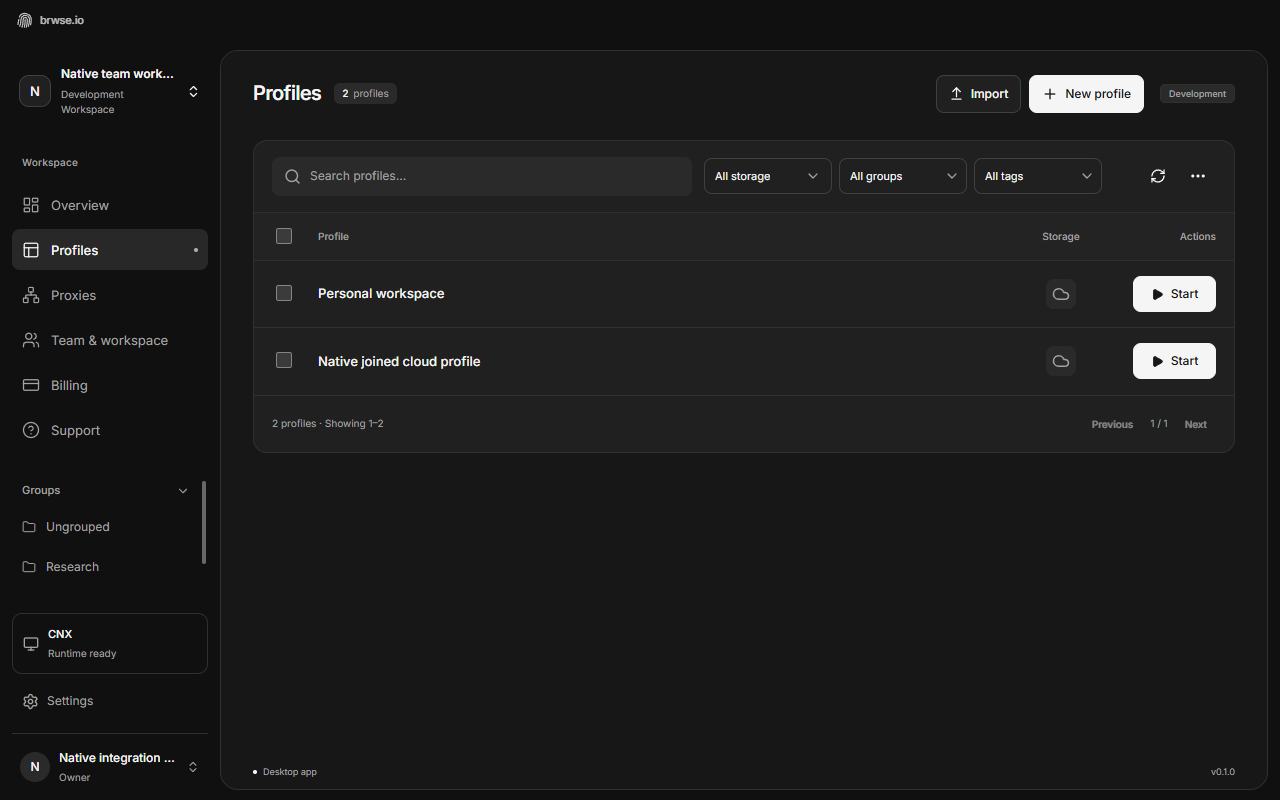
Name the work, not the browser window
A profile library should answer a basic question quickly: which context do I need right now? A name such as “Client A · Content review” is easier to recognize than “Profile 27.” The goal is not a complicated naming convention. It is a name another person can understand without opening the browser.
Choose a short pattern and use it consistently. Start with the client or project, then add the purpose. Add a region only when it matters to that workflow. Avoid including passwords, private account details, or other secrets in a name; profile metadata is visible to people with the relevant access.
Give notes a separate job. Use the profile name for recognition, tags for filtering, and notes for the context a teammate needs before starting work. Repeating the same long description in every field makes the library harder to scan.
Use groups for boundaries
Groups work best when they represent a stable boundary: a client, a department, or a workflow with a distinct set of people. They are especially useful when not every teammate should be able to use every profile.
In brwse.io, group permissions work alongside organization roles. A person's role and their access to the group both matter. Before sharing a set of profiles, decide whether the group is open to the workspace or restricted to selected members, then grant only the access needed for the task.
Owners and admins can open Workspace from the desktop or web sidebar. Use Members to review roles, Invitations to manage pending invites, and General to rename the shared space. Admins can manage narrower roles, but not owners or other admins. Personal settings remain separate from workspace administration.
Try the setup from a teammate's perspective. Can the person see the intended profiles? Can they perform the actions their work requires? Are unrelated groups still inaccessible? Checking the actual permissions is more useful than relying on how the owner's screen looks.
Make the handoff visible
A shared profile needs a clear ownership moment while someone is using it. The next person should wait until the active browser has stopped and its supported cloud save has completed. Avoid a workflow that depends on two people opening the same cloud profile at once.
Leave a short note when something important changes. For example: “Review completed; next step is client approval.” Keep the note about the work. Store secrets using the appropriate credential tools instead of putting them into broadly visible descriptions.
If a device loses connectivity during a session, check the profile's current availability and saving state before another teammate tries to continue. Do not assume a last-seen timestamp proves that the latest browser data reached the cloud.
Maintain the system with a short review
A useful organizational system is one people can maintain. Review active groups when a client engagement ends or a teammate changes responsibilities. Archive profiles that no longer belong in the active list, and revisit access when team membership changes.
- Use one recognizable naming pattern.
- Create groups around clients, projects, or access boundaries.
- Use a small shared set of tags for the filters people actually need.
- Check permissions from the intended teammate's role.
- Wait for completed saves before handing cloud profiles over.
- Review inactive profiles and group access regularly.